

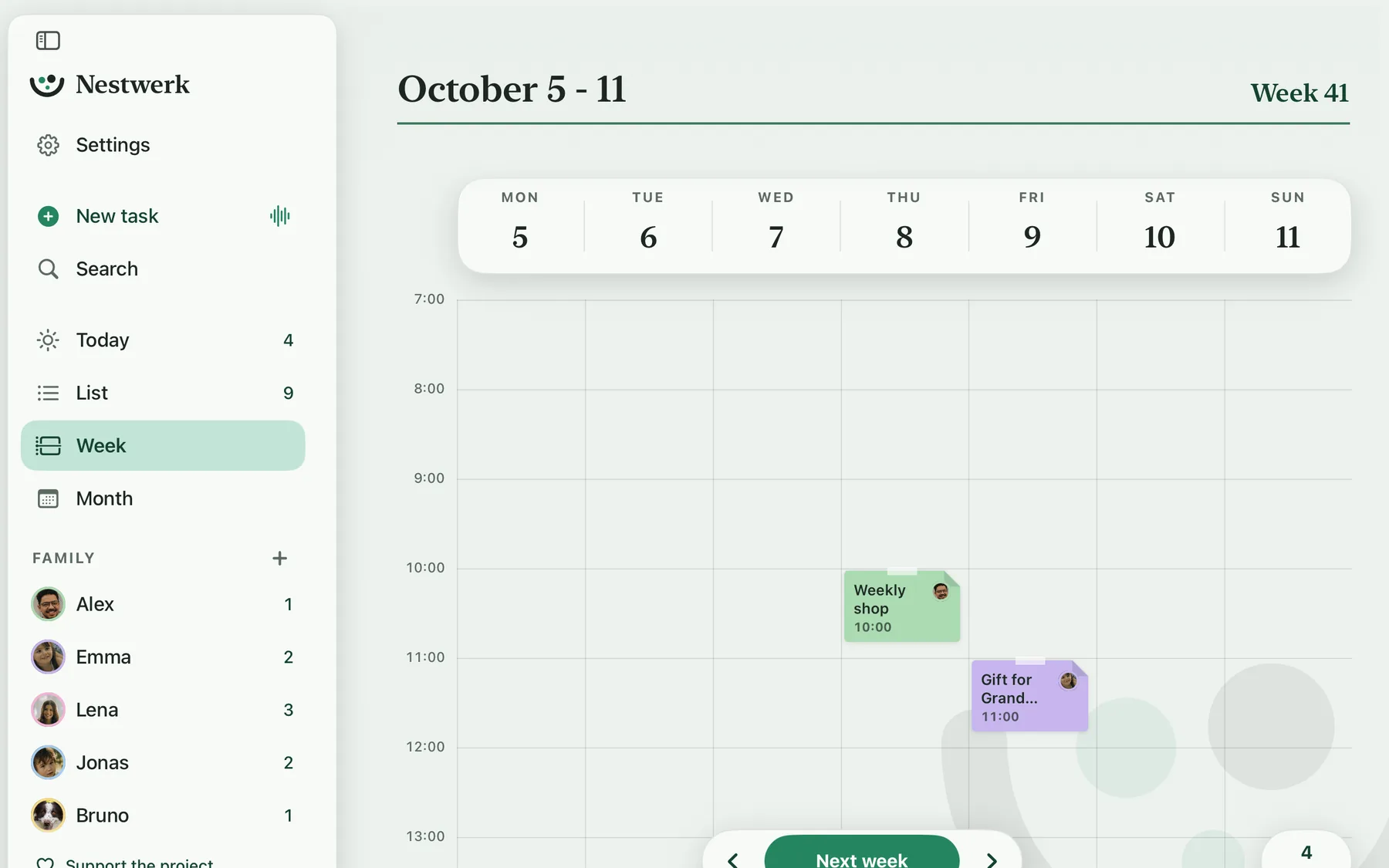
Big on iPad and Mac
The same tasks as on your iPhone, via iCloud with the same Apple Account. Plus a sidebar, menus and keyboard shortcuts. On the Mac you drag a task onto a person or a topic with the mouse.
School, sports, doctor's appointments, groceries: one place for everything your family has going on. Type or say a sentence, and Nestwerk turns it into a task with the right day, time and person.
From day one on iPhone, iPad, Mac and Apple Watch. No account, no ads, no trackers. Your plans stay with you.
Highlights
A few things that make everyday life easier with Nestwerk.
The same tasks as on your iPhone, via iCloud with the same Apple Account. Plus a sidebar, menus and keyboard shortcuts. On the Mac you drag a task onto a person or a topic with the mouse.
Work, family, school: every topic has its color. On a person's page the circle in front of a task shows where it belongs.
Anything without a date lands at the top of the open items. Drag it by the handle to where it belongs.
One tap on the circle and the task is crossed out. The app doesn't have to open for that.
How it works
Typed on the go, and the appointment is set. No form, no required fields: Nestwerk picks up the day, time and repeat while you're still typing.
Tap the microphone and talk about what's coming up. Say “new task” to start the next one and “add” to create them all. Before that, you see every line and can fix it.
With Apple Intelligence, Nestwerk also understands what's hard to put into rules. The language model runs right on your iPhone, with no account and no internet.
Gym bag, groceries, vacation: subtasks live right on the task. Type, return, the next one. The note next to it keeps track of what matters.
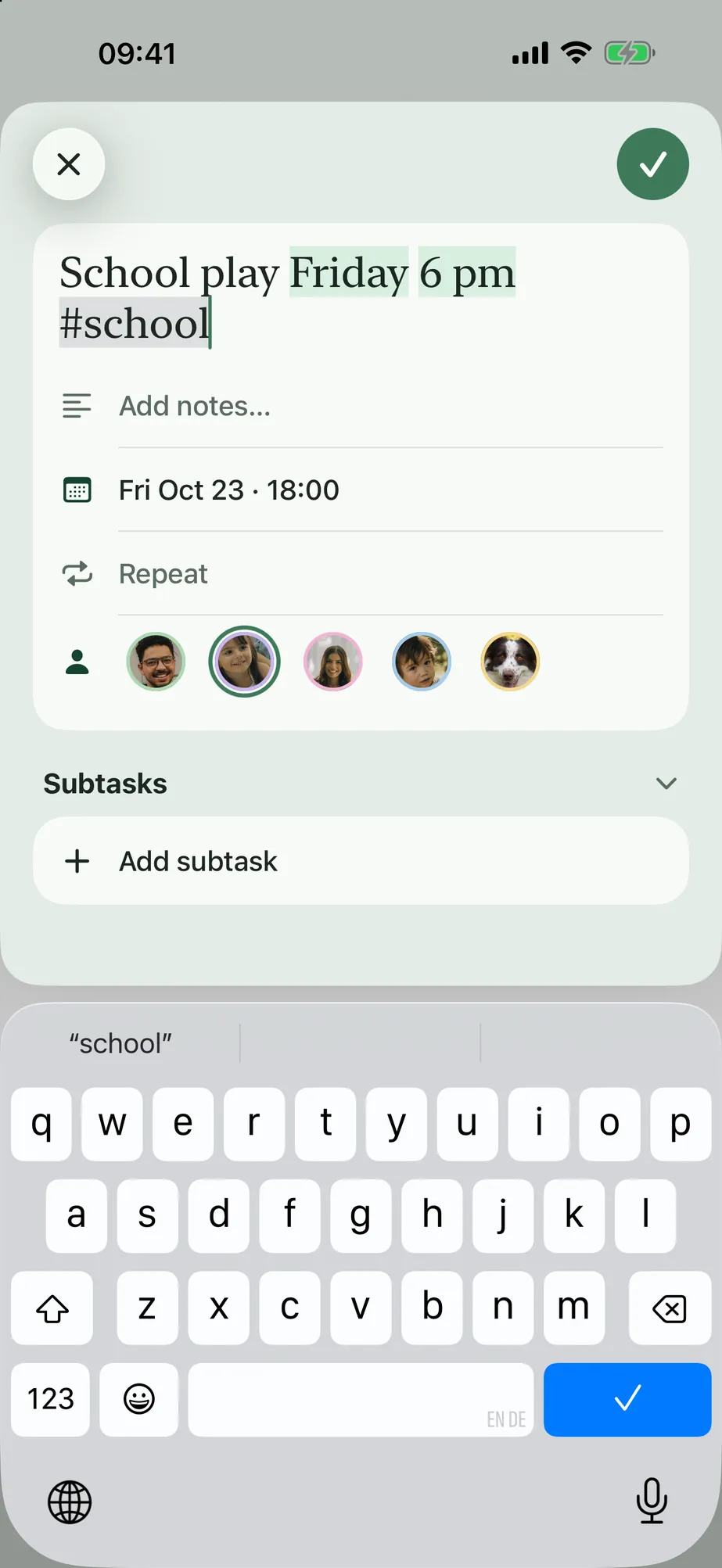
How Nestwerk reads along
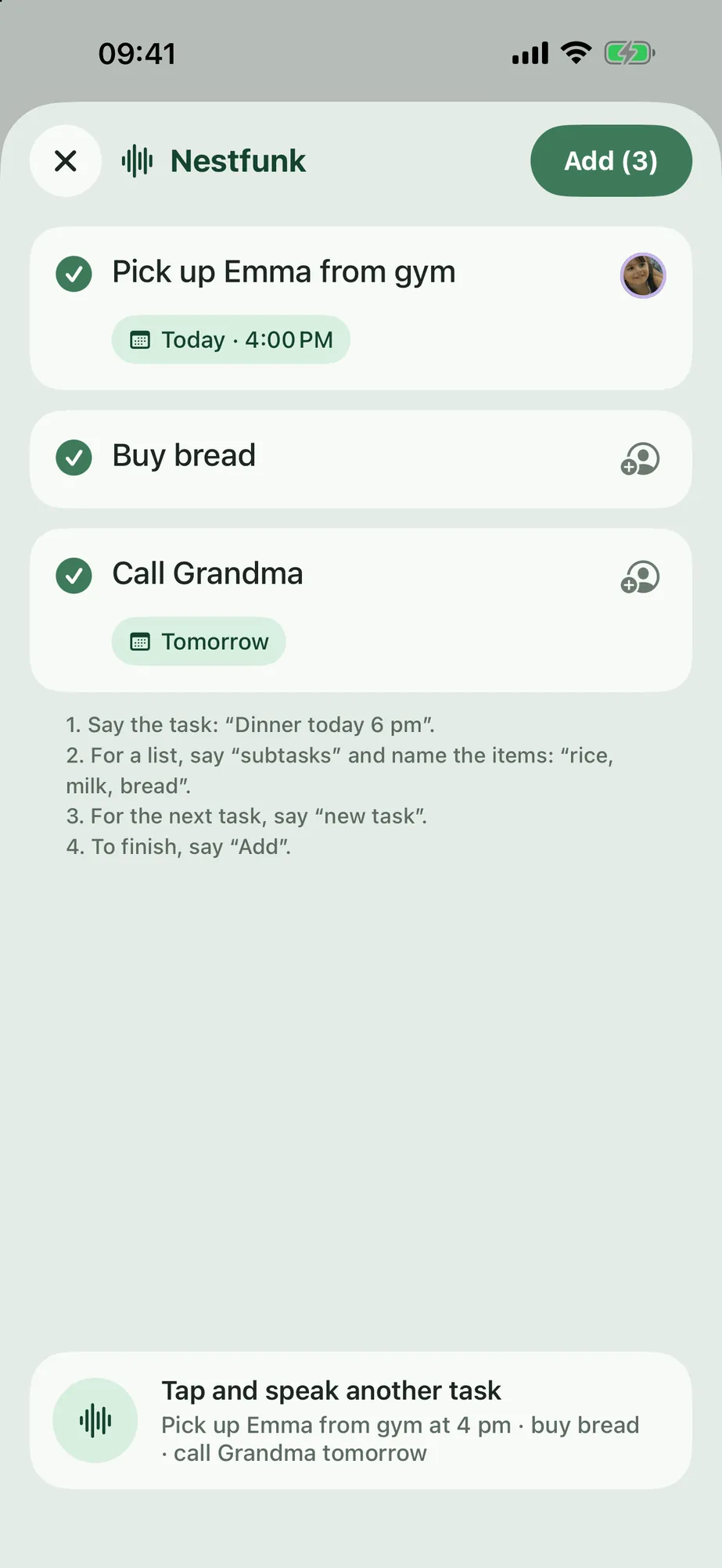
Said
“Next Tuesday after kindergarten, dentist with Emma, pack the insurance card and her teddy first”
Understood
On iPhone 15 Pro and later with iOS 26 and Apple Intelligence turned on, in the languages Apple supports.
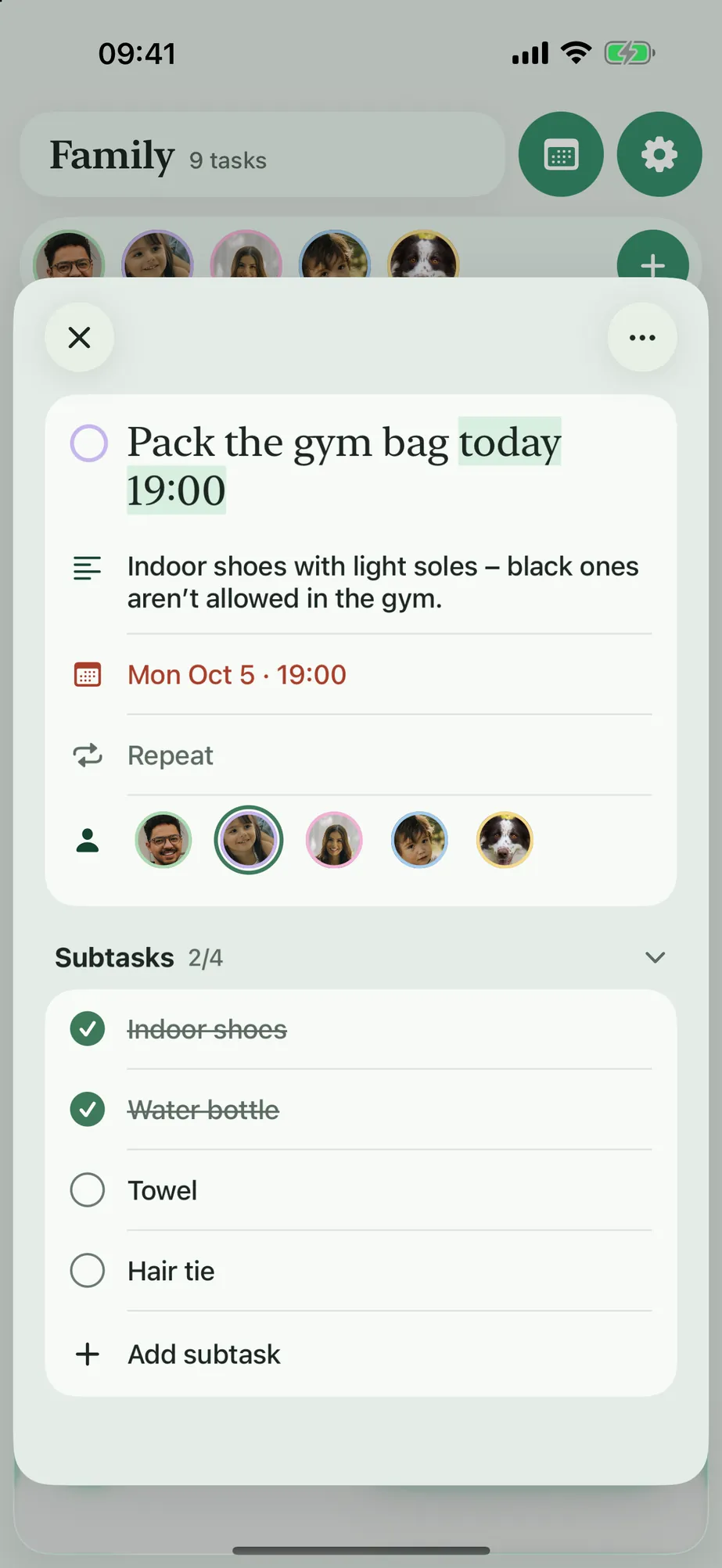
For everyone who belongs
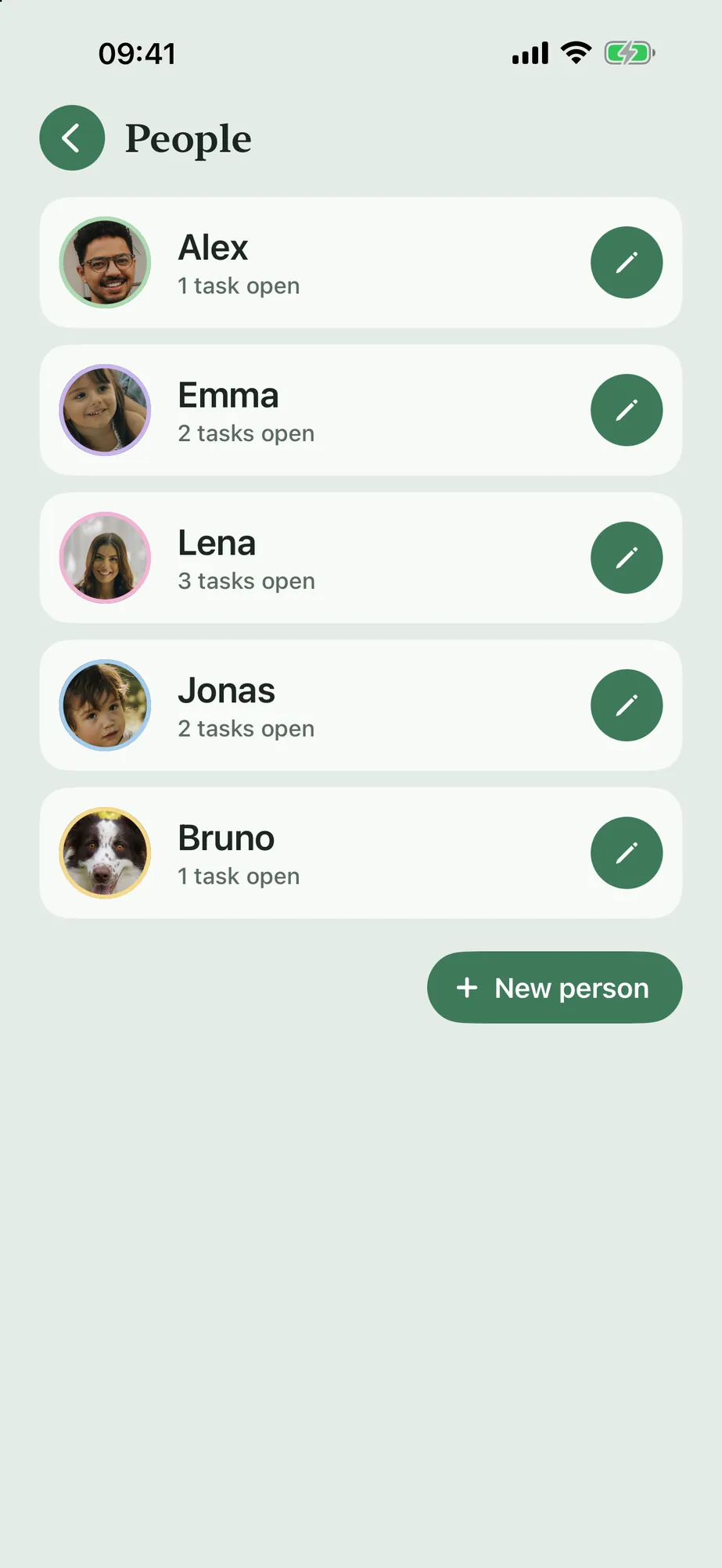
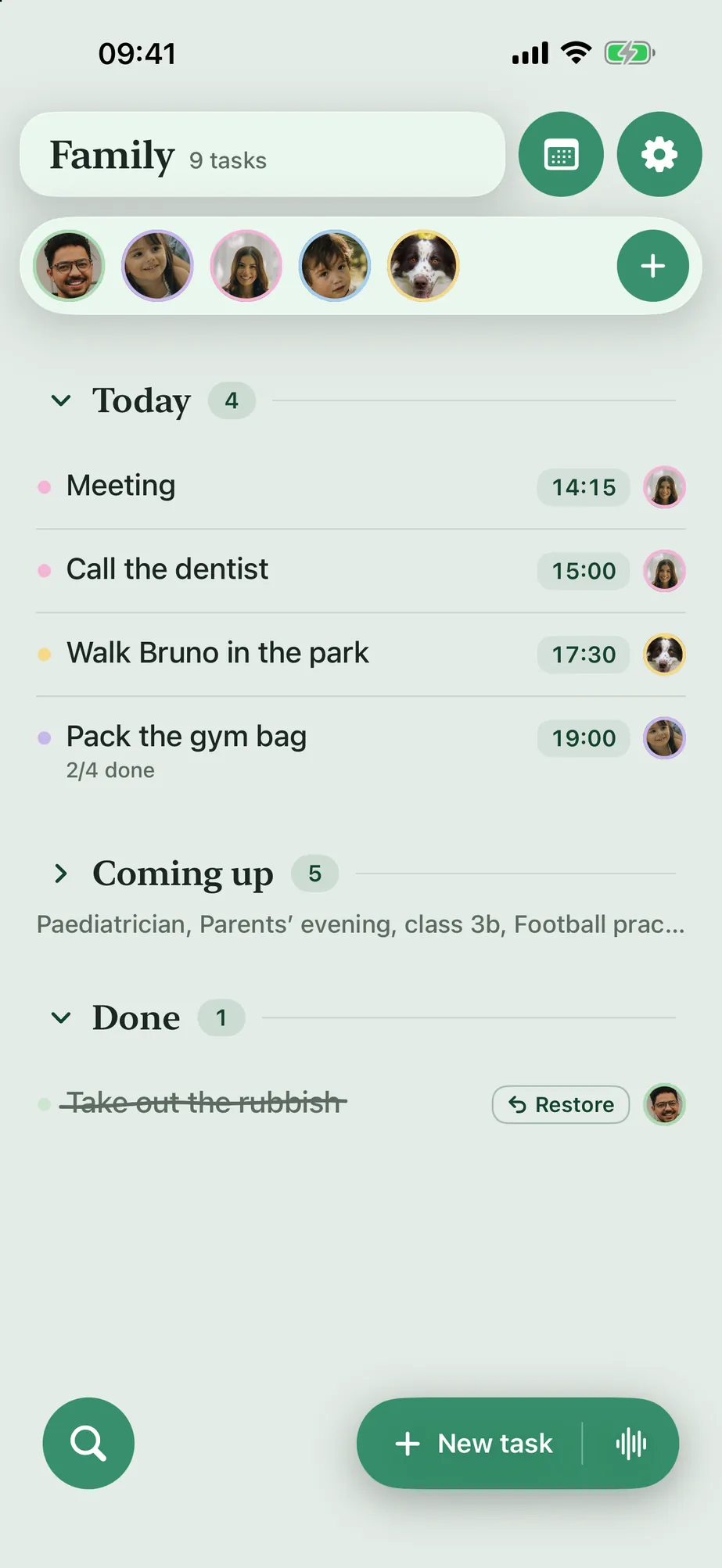
Tap a face, and the list shows only that person's day. Every family member has their own picture and color, set up in a minute, with no invitation and no sign-up. Anyone with a lot on their plate can sort it into topics: work, family, school. With iCloud sync, the list is on all your devices signed in to the same Apple Account. It can't be shared yet with family members who have their own Apple Account.
 Alex
 Emma
 Lena
 Jonas
 Bruno
Example view: this is how your family could look.
Everywhere
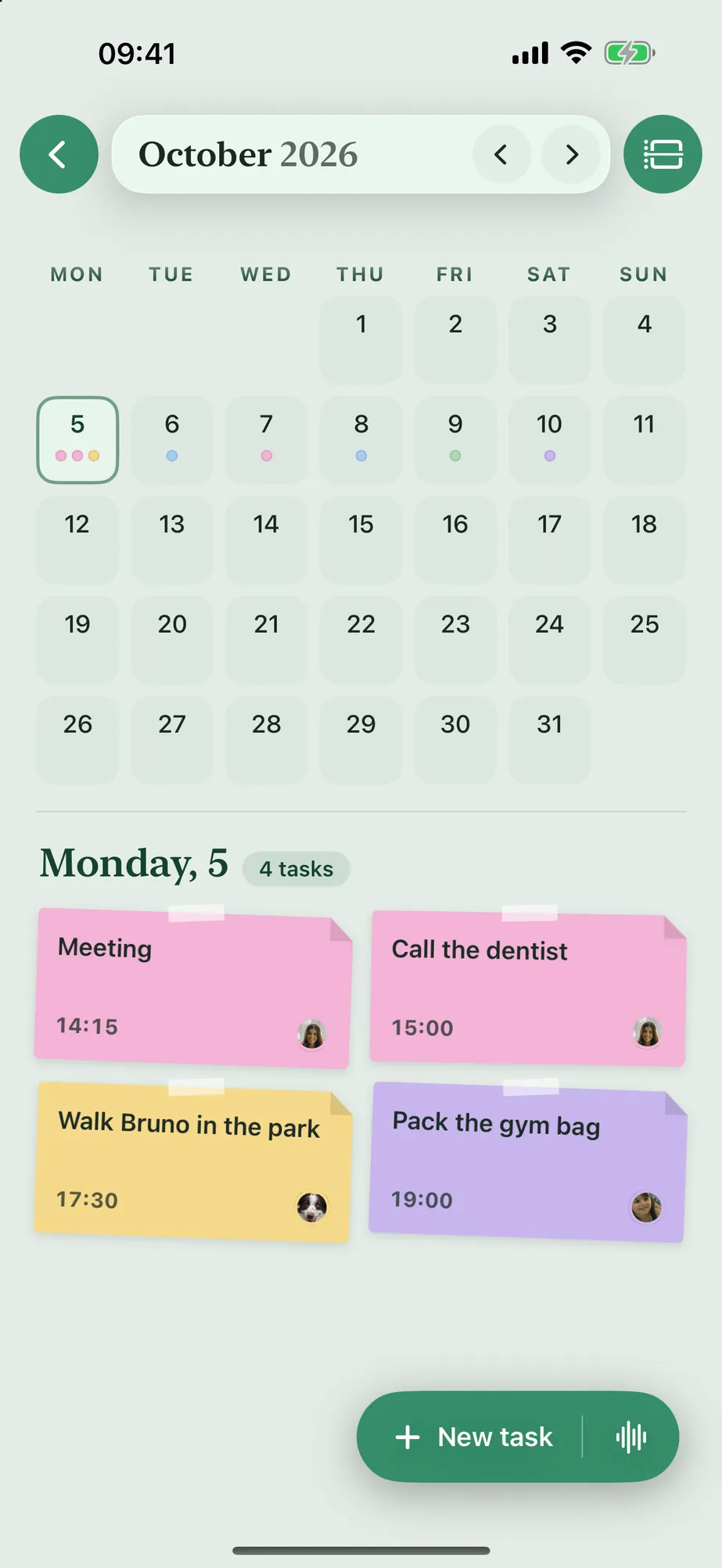
Week and month
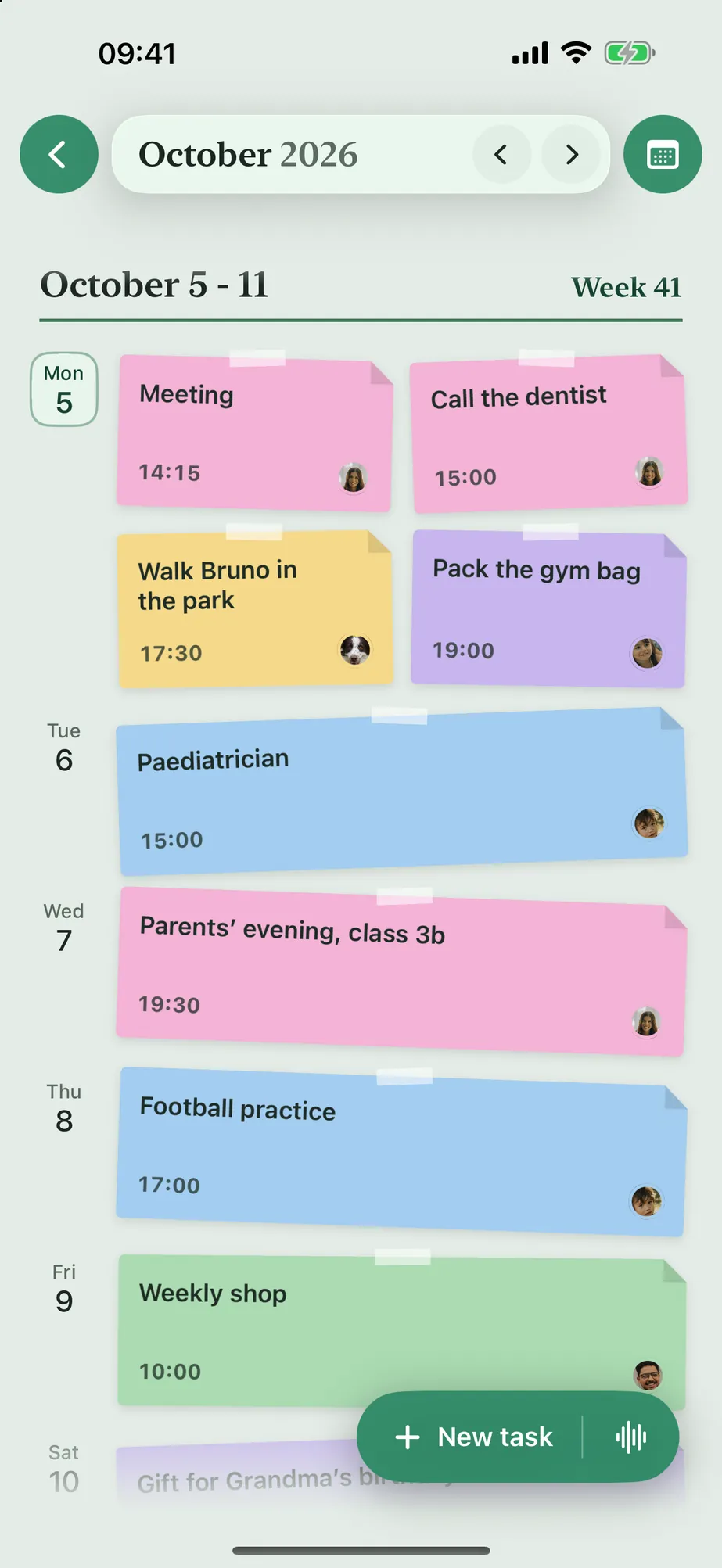
One look shows who's up when. Every task is a note in the person's color, overdue ones get a red edge. Drag notes to another day, or switch the grid to the month.
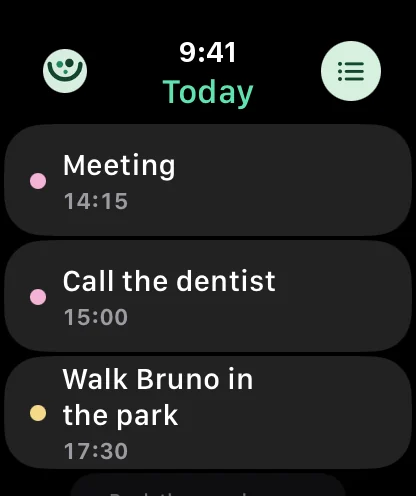
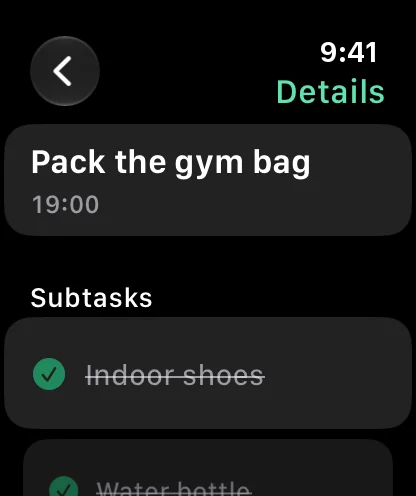
Apple Watch
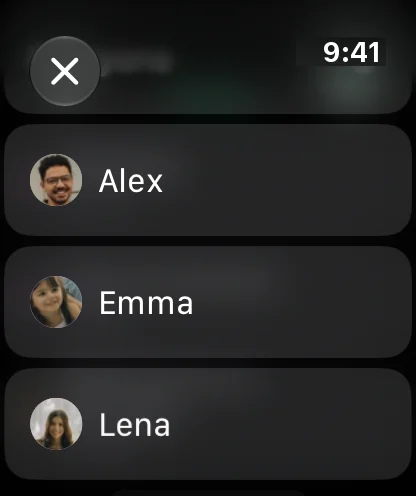
Today's tasks on your watch, filtered by person if you like. A swipe shows the note and subtasks, a tap checks it off, even with your iPhone still in your pocket.
Widgets
A glance at your phone is enough: what's on today is right on your Home Screen. For the whole family or just one person.
Ten languages
Ten languages, and in every one Nestwerk recognizes the day, time and repeat. Not translated, but understood: even when two languages are spoken side by side at home.
Private from the start
Nestwerk has no server. There's no place your plans could end up, not even with me.
The details are in the privacy policy. Because nobody pays for your data, Nestwerk is carried by those who choose to support it.
No account, no sign-up, no email address
No ads, no trackers, no usage statistics
Dictation and Siri run on the device
Sync only through your own iCloud, optional and can be turned off
Why the name?
Nest
The family. Home, where it's warm and everyone feels at ease.
werk
German for work - something you build together. And it hides in “Netzwerk”, German for network: everyone connected.
Put together, that's Nestwerk: a place where a family carries everyday life together.
About us and contact

“No calendar fit, no to-do app either: too much office, too little family.”
The idea came from Mariia: an app to get the juggling between work, everyday life and daycare under control, simple and clear. She couldn't find one anywhere.
Viktor built it. Mariia tried every version in everyday life and said what was missing, what got in the way and what had to be simpler. Many of the ideas are hers. Together we tinkered and tested until Nestwerk could do what we need. That includes Nestfunk: just say the task, done.
We hope Nestwerk helps other families who manage everyday life with kids just like us: turning chaos into a plan.
Viktor and Mariia · Braunschweig, Germany